
Panasonic Setup Guide for BB-HCM715 and BB-HCM735 network cameras covering camera setup, date and time configuration, and Internet access setup.
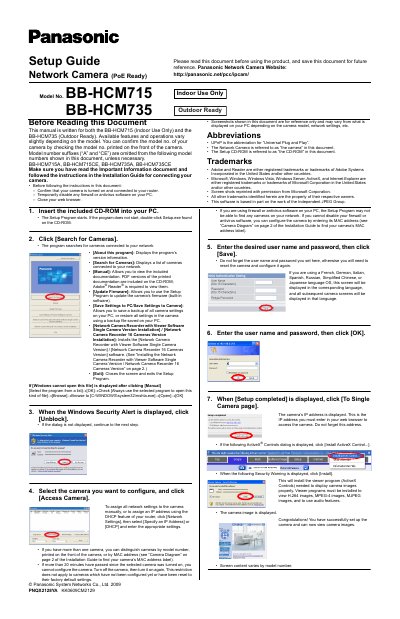
This Panasonic Setup Guide explains how to set up the BB-HCM715 (Indoor Use Only) and BB-HCM735 (Outdoor Ready) network cameras using the included Setup Program on CD-ROM. It covers inserting the CD-ROM, searching for cameras on the network, entering a user name and password, and completing setup to view camera images.
The guide also describes setting the camera's date and time and configuring the camera for access from the Internet or a mobile phone using UPnP and Viewnetcam.com registration. It includes instructions for installing the Network Camera Recorder with Viewer Software Single Camera Version and 16 Cameras Version.
| Model numbers | BB-HCM715, BB-HCM735 |
|---|---|
| BB-HCM715 usage | Indoor Use Only |
| BB-HCM735 usage | Outdoor Ready |
| Copyright year | 2009 |
| Document number | PNQX2128YA KK0609CM2129 |
This manual is written for both the BB-HCM715 (Indoor Use Only) and the BB-HCM735 (Outdoor Ready).
Double-click Setup.exe found on the CD-ROM.
Click [Unblock].
No. Turn off the camera, then turn it on again. This restriction does not apply to cameras which have not been configured yet or have been reset to their factory default settings.
Microsoft Windows Vista, Windows XP and Windows Server 2003.