
This user manual covers the operation, setup, features, and technical specifications of the PAM PICO TOUCH audio and loudness metering device.
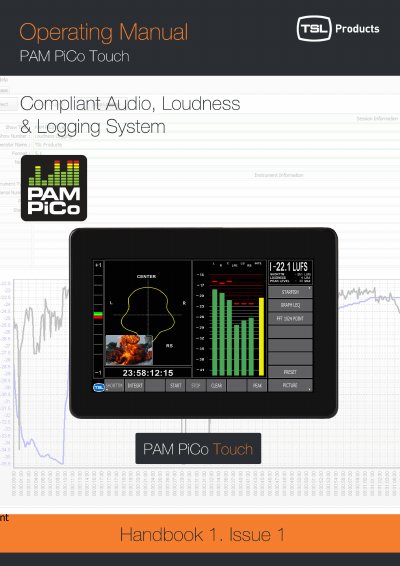
The PAM PICO TOUCH is a multi-touch sensitive device designed for professional audio and loudness metering in broadcast, film, and post-production environments. It complies with major broadcast loudness standards and offers precise readouts across various metering tools. The device features a clear interface with touch zones for navigation and instant parameter adjustments.
| Usage Environment | Indoor use only |
|---|---|
| Signal Sources | SDI, AES, Analogue |
| Metering Tools | Bargraphs, Text Readout, StarFish, FFT, Loudness measurement |
The device offers StarFish View, Graphical LEQ View, FFT 1024 View, and Moving Coil modes.
You can exit any menu by hitting the Menu Headline box.
Yes, it allows you to follow either the internal Timecode or external SMPTE timecode.