
Pacific Biosciences SMRT Link v8.0 user guide for the Sequel/Sequel II workflow manager: sample setup, run design, QC, data management, and SMRT Analysis.
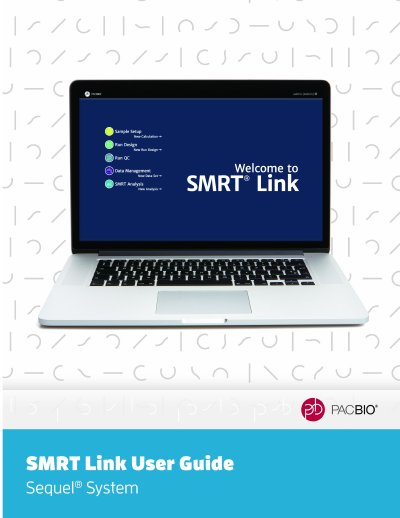
This Pacific Biosciences SMRT Link v8.0 user guide describes the web-based end-to-end workflow manager for Sequel and Sequel II Systems. It is accessed through the Chrome web browser from a remote workstation and is not available on the instrument itself.
The guide covers the Sample Setup, Run Design, Run QC, Data Management, and SMRT Analysis modules, plus barcoded data, automated analysis, output files, configuration and user management, and hardware/software requirements.
| Supported systems | Sequel or Sequel II |
|---|---|
| Web browser | Chrome |
| Connection security | SSL / HTTPS |
Use the Chrome web browser from a remote workstation; SMRT Link is not available on the instrument.
You must specify Sequel or Sequel II when you first start SMRT Link.
SMRT Link is the web-based end-to-end workflow manager for Sequel/Sequel II Systems.