
Quick start guide for the Oster Pro 1200 blender covering pre-programmed settings, manual controls, the Blend-N-Go cup, and blending tips.
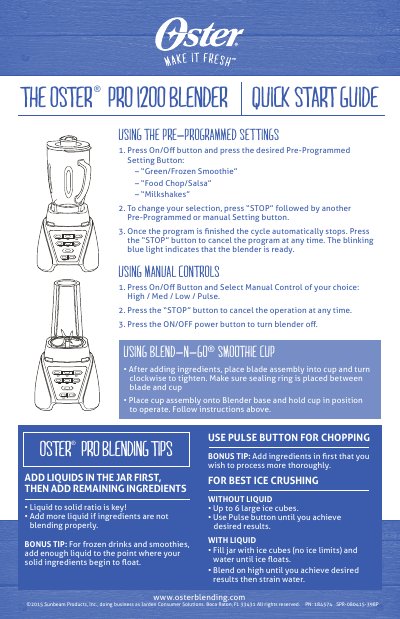
The Oster Pro 1200 Blender Quick Start Guide explains the pre-programmed settings Green/Frozen Smoothie, Food Chop/Salsa and Milkshakes, and the manual controls High, Med, Low and Pulse. It also covers using the Blend-N-Go Smoothie Cup and gives tips for adding liquids, chopping and crushing ice.
The document provides the same quick-start instructions in English and Spanish. It lists osterblending.com and a 2015 Sunbeam Products, Inc. copyright notice.
| Pre-programmed settings | Green/Frozen Smoothie; Food Chop/Salsa; Milkshakes |
|---|---|
| Manual controls | High, Med, Low, Pulse |
| Ice crushing capacity without liquid | Up to 6 large ice cubes |
| Ready indicator | Blinking blue light |
Press STOP, then press another pre-programmed or manual setting button.
It indicates that the blender is ready.
Up to 6 large ice cubes.
Place the blade assembly into the cup and turn it clockwise to tighten, with the sealing ring between the blade and cup.