
The Orient Computer DATA Installation Guide explains how to configure the product on Windows XP and Windows 2000, including file placement and URL links.
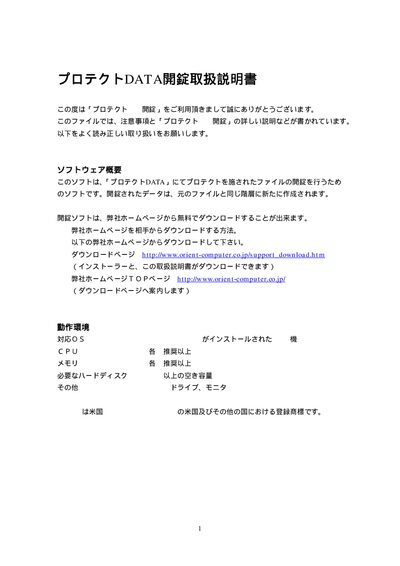
This manual provides step‑by‑step instructions for setting up the Orient Computer DATA product. It covers the required configuration procedures for Windows XP and Windows 2000, as well as where to place necessary files and how to use provided URLs.
Additional sections include contact information for technical support and details on the software components included with the product. The guide is intended for users who need to install and configure the DATA system on compatible Windows platforms. This manual is written in Japanese.
Support can be reached via email at [email protected].