
Installation and user guide for the Orange Livebox 2009/043: setup, wired and Wi-Fi connections, first Internet access, phone connection, and troubleshooting.
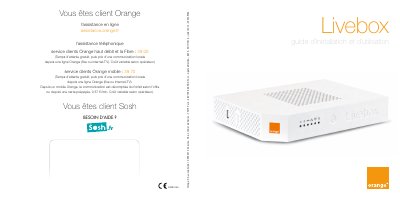
This guide explains how to install the Orange Livebox 2009/043 and connect computers, smartphones, or tablets. It lists the pack contents and describes connecting the ADSL filter, ADSL cable, power supply, and Ethernet cable.
It also covers first Internet access, connecting a telephone, Wi-Fi setup for Windows and Mac, and troubleshooting for Internet and telephone problems. This manual is written in French.
Restart the Livebox by pressing the power button once to turn it off and again to turn it on, then wait 2 to 3 minutes.
Connect the Ethernet cable with red ends to the computer's Ethernet port and then to the red Ethernet port on the Livebox.
Check that the phone is correctly connected to the blue port of the Livebox and that it works in voice frequency.
Click the Wi-Fi icon, select the Livebox name, click connect, and press the Wi-Fi button on the Livebox when prompted for the security key.