
Instructions for using the GPS function of the Optio WG-1 camera, including setup, logging, and troubleshooting.
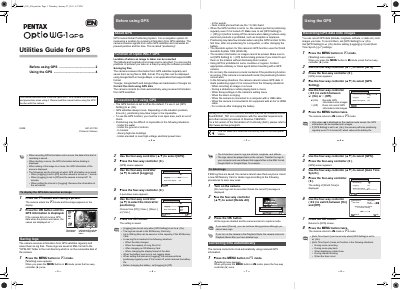
This manual explains how to enable and use the GPS feature of the Optio WG-1 camera. It covers positioning, recording latitude and longitude on images, saving log files in KML format, and automatic clock synchronization.
The guide also provides precautions for GPS use, menu navigation for GPS settings, logging intervals, and procedures for deleting log files when the storage limit is reached.
| Default GPS setting | Off |
|---|---|
| Maximum number of log files | 999 |
| Log file format | KML |
| Logging interval options | Off, 15 sec, 30 sec, 1 min |
| Geodetic system used | WGS 84 |
Set the GPS Setting to O (On) in the camera menu.
Select Delete All from the logging menu and confirm the deletion.
GPS logs are saved as KML files on the SD memory card.
The camera can store up to 999 log files, limited by the SD card capacity.