
Onkyo guide to tuning AM/FM radio stations, presets, RDS features, and remote control operation.
This Onkyo document explains how to tune AM or FM radio stations automatically or manually, enter frequencies directly, and register, select, or delete up to 40 preset stations. It also describes RDS features such as program service, radio text, program type search, and traffic information.
Additional sections cover remote controller buttons and operating music files from a Bluetooth-enabled device. The document also includes a list of TV brands with numeric codes for remote control use.
| Preset radio stations | up to 40 |
|---|
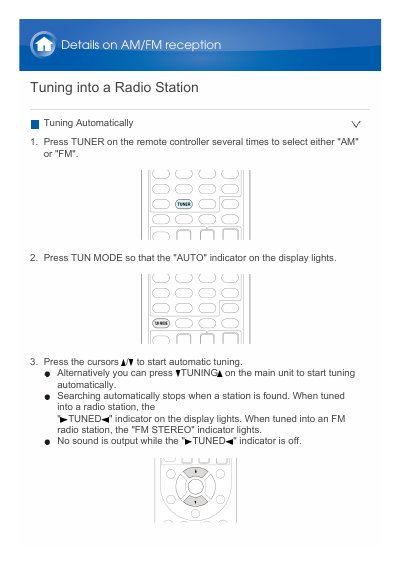
Press TUNER to select AM or FM, press TUN MODE so the AUTO indicator lights, then press the cursors to start automatic tuning.
Up to 40 AM/FM radio stations can be registered.
Select the preset number, press MEMORY so it flashes, then press CLR while it is flashing.
Press RT/PTY/TP on the main unit once.