
Installation and user manual for the Oncam Evolution 180 camera range, covering indoor and outdoor models, placement, web interface, connections, and…
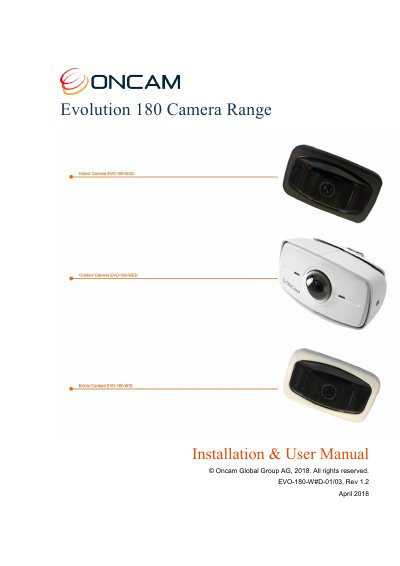
The Oncam Evolution 180 Camera Range uses a fisheye lens to create a 180° view with a large coverage area and includes indoor models in white and black plus an outdoor model in white. The manual covers camera placement and orientation, indoor and outdoor installation, first-time operation, the camera web interface, recording, ONVIF connections, camera connections, troubleshooting, and frame rate, resolution, and storage requirements.
| Sensor | 12-megapixel |
|---|---|
| Viewing angle | 187° |
| PoE | IEEE 802.3AF compliant |
| Direct DC input | 12 VDC, 1 A |
| Mounting orientations | Wall, Ceiling, and Table |
| Minimum ceiling mounting height | 2 m (6.5 ft.) |
| Color imaging | Full color until below one Lux |
| Camera range | Indoor (white/black) and outdoor (white) |
No; doing so may damage the camera and void the warranty.
Use a minimum height of 2 m (6.5 ft.).
Panoramic View, Fisheye View, and up to four Virtual Camera Views (VCams).
The PoE equipment must be compliant with IEEE 802.3AF.