
This manual covers the installation, usage, and troubleshooting of the Olimex AVR-ISP500, a low-cost USB programmer for AVR microcontrollers.
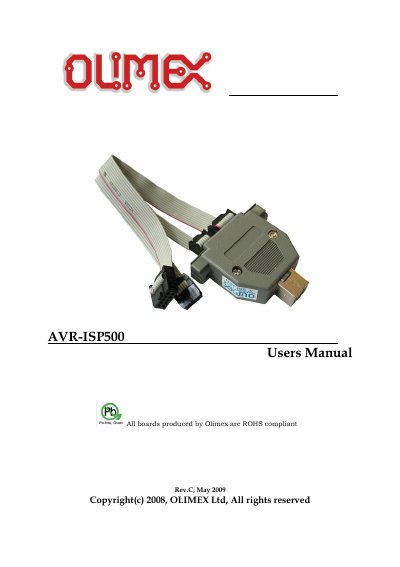
The AVR-ISP500 is a USB low-cost in-system programmer designed for AVR microcontrollers. It implements the STK500v2 protocol as defined by Atmel, making it compatible with a range of tools including AvrStudio and avrdude. The device features a bi-color LED for status indication and supports target voltages ranging from 1.8V to 5.5V with ISP clock frequencies from 5kHz to 2MHz.
The document provides instructions for PC driver installation, specifically noting requirements for Windows COM port assignment (COM4 or below). It details usage with AvrStudio and avrdude, explains the external clock output feature for rescuing AVRs with enabled external clock fuses, and describes the firmware upgrade procedure using a built-in boot loader.
| Target Supply Voltage | 1.8V to 5.5V |
|---|---|
| ISP Clock Frequency | 5kHz to 2MHz |
| Protocol | STK500v2 |
| Power Supply Current (Idle) | 25mA |
| Power Supply Current (Programming) | 30mA |
The ISP clock frequencies range from 5kHz to 2MHz.
It is compatible with AvrStudio, WinAVR, avrdude, and any other software supporting the STK500v2 protocol.
The programmer supports target voltages ranging from 1.8V to 5.5V.
Check the Device Manager for the COM port, ensure the port number is COM4 or below, and verify the green LED is constantly on.