
User manual for the NX NX-DD30 Compact Component MD System, covering setup, operation, and maintenance of the audio device.
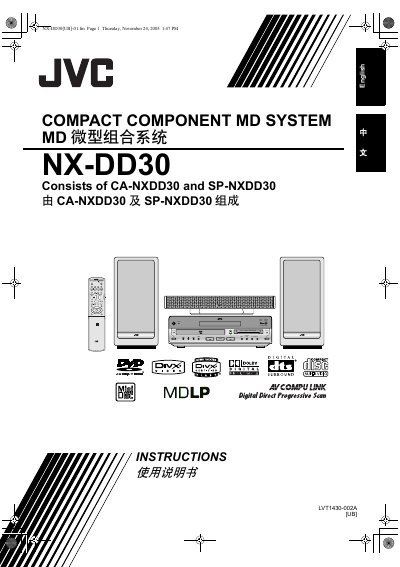
This document is the user manual for the NX NX-DD30 Compact Component MD System. It provides instructions for setting up the unit, connecting various audio sources such as MDs, DVDs, CDs, and radio broadcasts, and operating the main functions including volume control and surround modes. The manual includes detailed sections on handling discs, recording sound to MDs, and editing tracks.
| Product Name | Compact Component MD System |
|---|
The main unit must be placed on a stand with a height of 10 cm or more to maintain adequate air path for ventilation.
When the system is on standby, the STANDBY lamp lights red.
To shut the power off completely, you must disconnect the mains plug from the socket.