
The NRGence EC1000 Energy Box User Manual provides installation, configuration, and operation instructions for the EC1000 power distribution unit.
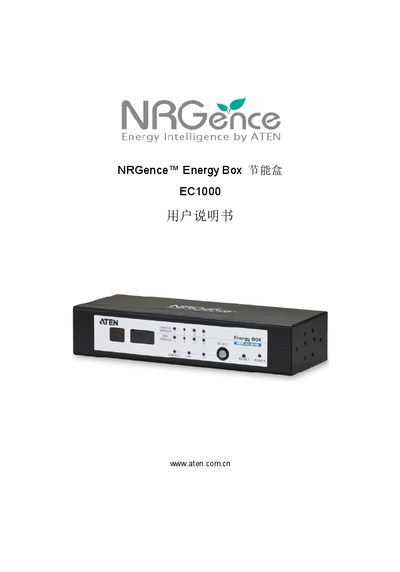
The EC1000 Energy Box is a four‑port power distribution and monitoring device designed for industrial environments. It offers power, network, and environmental sensing interfaces, and can be managed via a web browser or the eCoSensors software.
This manual covers hardware installation, rack mounting, front‑panel operation, browser‑based configuration, network settings, administrator login, firmware updates, and troubleshooting. Appendices include a full specifications table and warranty information. This manual is written in Chinese.
| Number of ports | 4 |
|---|---|
| Power input | 1 x DC plug |
| Network interface | 1 x RJ‑45 |
| Operating temperature | 0 – 50 °C |
| Storage temperature | -20 – 60 °C |
| Weight | 0.59 kg |
| Dimensions (L×W×H) | 20.0 × 7.59 × 4.20 cm |
The EC1000 provides four ports for power distribution and monitoring.
The device is rated for operation from 0 °C to 50 °C.