
The Novation MiniNova user manual provides safety instructions, hardware overview, setup steps, performance controls and synthesis guide for the compact…
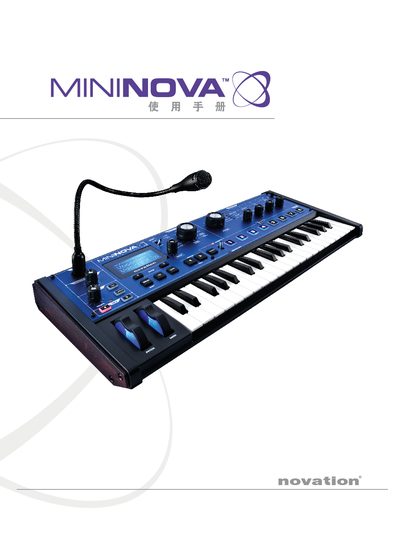
This manual begins with safety notices and regulatory information, then introduces the MiniNova synthesizer, its main features and hardware layout. It explains how to power the unit, connect audio and MIDI, and register the product. The later sections cover the menu system, performance knobs, pads, arpeggiator, vocoder, filter and other parameters, as well as firmware update procedures and troubleshooting tips.
| Power supply | 9 V / 500 mA DC adapter (also USB 1.1/2.0) |
|---|---|
| Keyboard | 37‑key velocity‑sensitive keyboard |
| Polyphony | 18‑voice full polyphony |
| Performance knobs | 4 real‑time control knobs |
| Performance pads | 8 back‑lit pads |
| Filter modes | 14 filter modes |
| USB interface | USB 1.1 (compatible with 2.0) |
MiniNova can be powered with a 9 V / 500 mA DC adapter or via a USB 1.1/2.0 connection.
The MiniNova features a 37‑key velocity‑sensitive keyboard.
There are four performance knobs that can be assigned to various parameters.
MiniNova includes eight back‑lit performance pads for arpeggiator and other controls.