
The Nokta BT Headphones User Guide covers power on/off, Bluetooth pairing, phone and music functions, charging, and safety precautions for the BT headphones.
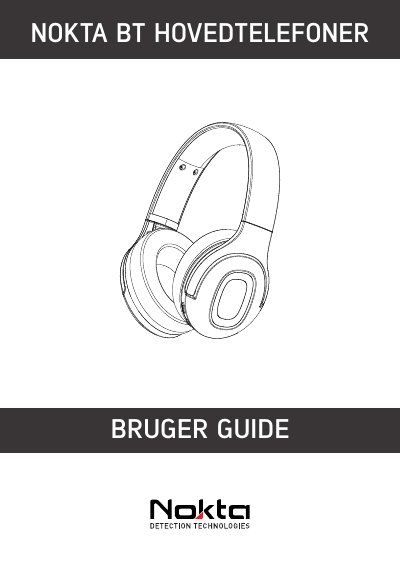
The Nokta BT headphones are over-ear headphones that switch on by sliding the control to ON, which turns on a green light. When powered on, they enter pairing mode and can be paired by searching for "NOKTA-MAKRO" on a Bluetooth device; a "connected" prompt confirms the connection.
The MODE, V+, and V- buttons control calls, music playback, and volume. The headphones use aptX Low Latency technology and are charged through a USB port, with the LED staying red during charging and turning off when charging is complete.
| Style | Over-Ear headphones |
|---|---|
| Bluetooth version | BT5.0 |
| Impedance | 32Ω |
| Sensitivity | 106dB |
| Frequency range | 20Hz-20kHz |
| Effective distance | 10 meter/33 fod |
| Battery capacity | 1200mAh, 3.7 V |
| Battery type | Rechargeable Lithium Polymer battery |
| External voltage | DC4.8-5.5 V |
Slide the switch to ON; the green light turns on and the headphones power on.
Turn on Bluetooth on your device, search for "NOKTA-MAKRO", and click it to pair; you will hear "connected" when connected.
No, the headphones are not waterproof and should not be exposed to water or excessive moisture.
Press and hold the MODE button and V+ at the same time for 3 seconds while the device is on.