
Nokia E71 User Guide covering safety, setup, operations, connectivity and warranty for the Eseries smartphone.
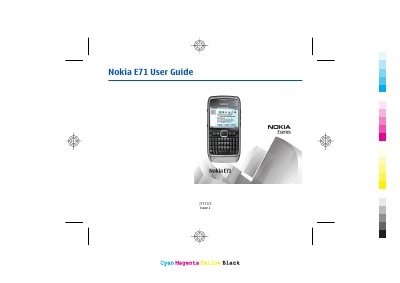
The Nokia E71 User Guide provides comprehensive operating instructions for the Eseries smartphone. It includes safety guidelines, setup procedures for SIM card and battery, and coverage of connectivity features such as Bluetooth and data cable. The guide also addresses application usage, multimedia functions, and warranty information. This manual is written in Chinese.
| Network | (E)GSM 850, 900, 1800, and 1900 networks |
|---|---|
| Copyright | © 2008 Nokia. All rights reserved. |
Always switch the device off and disconnect the charger before removing the battery.
The device supports (E)GSM 850, 900, 1800, and 1900 networks.