
User manual for the Nikon Ti2 Eclipse microscope covering startup, software, cameras, objectives, imaging modes, and data saving.
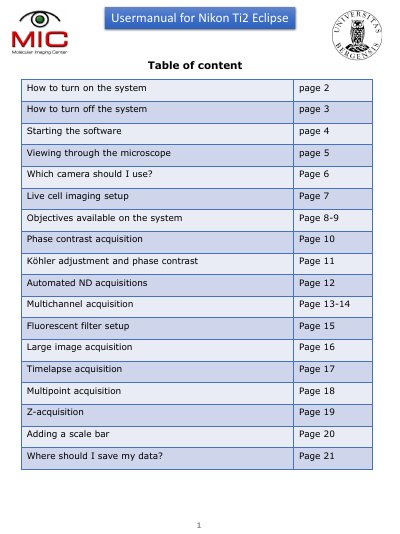
This manual is for the Nikon Ti2 Eclipse microscope. It explains how to turn the system on and off, start NIS-ELEMENTS, view through the microscope, choose between the TiS and Fi3 cameras, and set up live-cell imaging.
It also covers the available objectives, phase contrast acquisition, Köhler adjustment, multichannel and fluorescent filter setup, large image, timelapse, multipoint, and Z-axis acquisition, adding a scale bar, and where to save data.
| TiS camera resolution | 2048 x 2048 pixels |
|---|---|
| Fi3 camera resolution | 2880 x 2048 pixels |
Use the TiS camera for imaging of fluorescent samples.
Use the Fi3 camera for imaging of brightfield, phase contrast, and histological samples.
Open the CO2 valve, turn on the air pump and OKO control box, connect the correct heating cable, and allow 0.5-1 hour warm-up time.
Save data to Biomic or your cloud/OneDrive; avoid USB keys and external hard drives.