
The Nikon COOLPIX P530 user manual explains camera parts, shooting functions, playback, video recording, setup, connections, safety, and specifications.
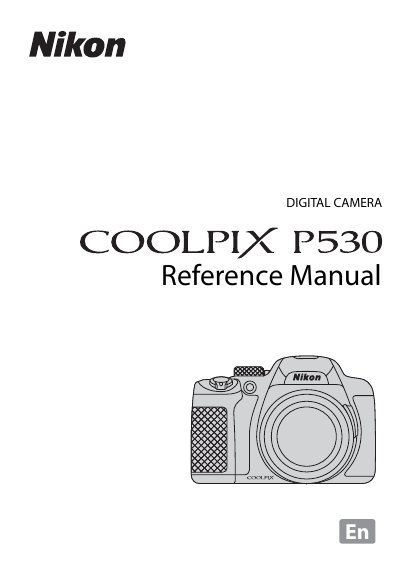
This manual introduces the Nikon COOLPIX P530, describing each part of the camera, main functions, and the basics of shooting and playback. It covers shooting features, video recording, general setup, and how to connect the camera to a TV, computer, or printer.
Safety precautions, battery handling, and charging instructions are provided, followed by detailed technical specifications of the camera and its accessories. The document ends with troubleshooting tips, an index, and technical notes.
| Effective pixels | 16.1 million |
|---|---|
| Image sensor | 1/2.3‑in. type CMOS |
| Optical zoom | 42× |
| Focal length | 4.3‑180 mm |
| Maximum aperture | f/3‑5.9 |
| Lens construction | 14 elements in 10 groups (4 ED) |
| Digital zoom | Up to 4× |
| LCD monitor | 7.5 cm (3‑in.) approx. 921k‑dot |
| Electronic viewfinder | approx. 201k‑dot |
| Battery type | Rechargeable Li‑ion EN‑EL5, 1100 mAh, 3.7 V |
It uses a rechargeable Li‑ion battery model EN‑EL5 with a rated capacity of 1100 mAh and 3.7 V.
Yes, the manual includes instructions for connecting the camera to a TV, computer, or printer.
This manual explains 11 error codes. Open a code for its meaning, causes and what to do: