
The Nikon D3300 user manual provides setup steps, operation instructions, and technical specifications for the DSLR camera.
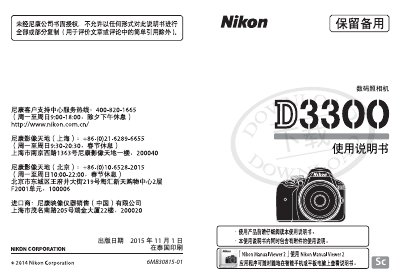
This manual guides you through unpacking, attaching the strap, charging the EN‑EL14a battery, inserting a memory card, and mounting a lens, allowing you to start shooting quickly. It also explains menu navigation, shooting modes, scene presets, and how to use features such as HDR, panorama, and video recording.
Additional sections cover safety warnings, battery care, cleaning, storage, and detailed technical specifications including sensor size, effective pixels, lens mount, dimensions, weight, and operating temperature. The manual references the Nikon Manual Viewer 2 app for viewing the guide on mobile devices. This manual is written in Chinese.
| Type | Digital single‑lens reflex camera |
|---|---|
| Lens Mount | Nikon F‑mount with AF contacts |
| Effective Pixels | ≈24.16 MP |
| Image Sensor | ≈23.5×15.6 mm CMOS |
| Dimensions (W×H×D) | ≈124 mm × 98 mm × 75.5 mm |
| Weight (with battery & card) | ≈460 g |
Yes, install the free Nikon Manual Viewer 2 app from the App Store to read the manual on a mobile device.