
Instruction manual for the Neomounts LED-W500 TV wall mount, covering parts, installation steps, adjustment, and cable routing.
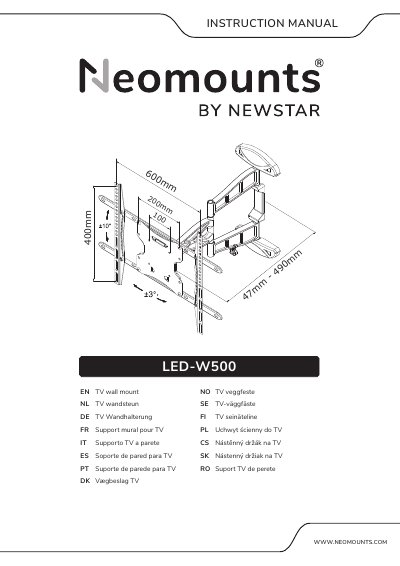
The Neomounts LED-W500 instruction manual provides multilingual installation steps for mounting a TV on a solid brick or concrete wall. It covers removing and attaching the VESA plate, installing adapter brackets, securing the screen, adjusting torque, and routing cables.
The manual also lists included hardware and tools and notes optional spacer use. Stated specifications include a 0-30 kg weight capacity, VESA patterns from 100x100 to 600x400 mm, a 47-490 mm distance range, and ±10° tilt.
| Weight capacity | 0-30 kg (0-66.1 lbs) |
|---|---|
| VESA mounting pattern | 100x100 - 600x400 mm |
| Distance to wall | 47-490 mm |
The wall plate should be installed on a solid brick or concrete wall.
The manual lists a tool, pencil, drill, and tape measure.
The stated weight capacity is 0-30 kg (0-66.1 lbs).
Spacers should be used if necessary.