
This manual provides installation, operation, and maintenance instructions for the ND 280 digital display device.
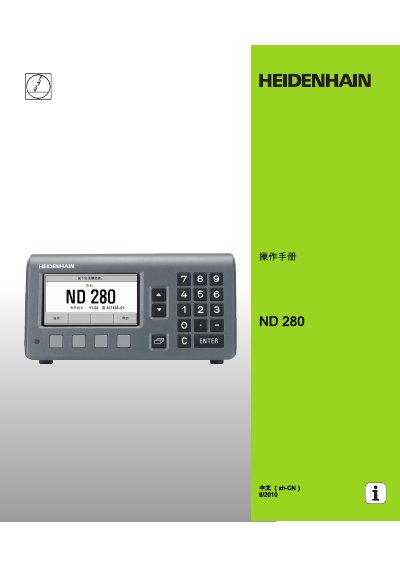
The ND 280 operation manual details the device’s front and rear panel layout, control functions, and user interface. It explains how to set up the system, configure encoders, and use the various soft keys and menus.
The document also covers electrical connections, safety precautions, data communication interfaces (RS‑232‑C/V.24 and USB B), and measurement data output methods. Technical parameters, EMC compliance, and optional accessories are described for qualified technicians. This manual is written in Chinese.
| Communication interfaces | RS-232-C/V.24 (X31) and USB B (UART, X32) |
|---|---|
| Encoder input options | 11 µApp, 1 Vpp or EnDat 2.1/2.2 |
| Power cable | 2.5 m cable with European plug |
It provides two serial ports for data transfer: an RS‑232‑C/V.24 port (X31) and a USB‑B (UART) port (X32).
The manual warns of electrical danger such as electric shock when opening the cover, and states that only qualified, authorized personnel should operate the device.