
Naxa NAB-4000 Wireless Bluetooth Receiver and Adapter User Manual

User guide for Naxa's NAB-4000 wireless Bluetooth receiver and adapter, covering connection, pairing, and status indicators.
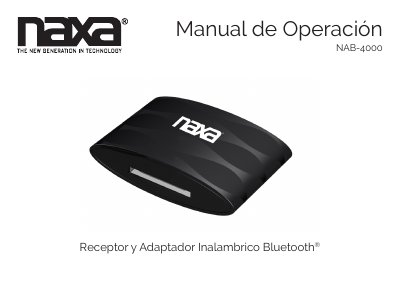

Naxa NAB-4000 Wireless Bluetooth Receiver and Adapter User Manual - cover page
Brand
Naxa
Category
Audio-Video Decoder
Document type
User Manual
Language
Spanish
Pages
8
File format
PDF
File size
328 KB
Published
22 November, 2026
Updated
22 November, 2026
MD5 checksum
0C6D939FC877E77A48E0E9BABAE5274F

About this manual

This manual explains how to connect and pair the NAB-4000 with compatible audio systems. It details the status indicator lights and power-on/off procedures.

To use, connect the device to an iPod-compatible speaker system, press and hold the power button for 3 seconds to turn it on or off, and follow the pairing steps using Bluetooth-enabled devices. This manual is written in Spanish.

What's inside

  • Understanding the Device
  • Connecting the Device
  • Pairing (Synchronization)
  • Technical Support

Frequently asked questions

How do I turn the NAB-4000 on or off?

Press and hold the power button for approximately 3 seconds.

What is the default Bluetooth pairing code?

The default password is '0000'.

Download PDF (328 KB)

More Naxa Manuals


View all Naxa manuals →