
User manual for Naonext's Crystall Ball Version 1.9, covering setup, safety, MIDI control, and technical specs.
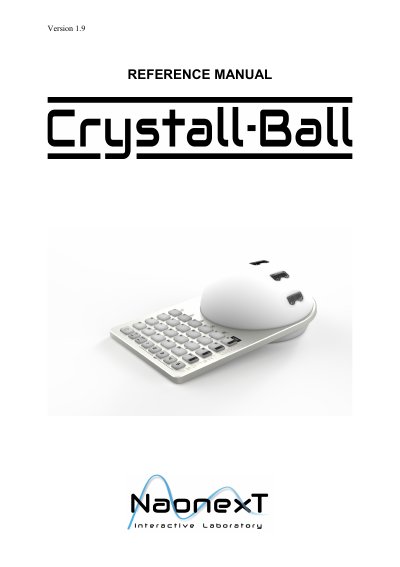
This manual guides users through setting up and operating the Naonext Crystall Ball, a MIDI controller device. It includes safety warnings, power requirements, and instructions for connecting via USB or MIDI. The device features 5 sensors and 24 buttons for binding to software parameters. It is designed for use with audio, video, and lighting software, and requires no hardware programming. Safety precautions include avoiding moisture, direct sunlight, and unauthorized repairs.
| Dimensions | 31,72 cm x 19,2 cm x 10,85 cm |
|---|---|
| Weight | 1,3Kg |
| Connection and protocol | USB 2.0 |
| Temperature of use | -10°C to +50°C (14°F to 122°F) |
| Electrical specifications | 7,5 Vdc, 1A |
| Power supply input | 100-240 V, 50-60 Hz |
| Power supply output | 7,5 Vdc, 1A |
| Inputs/Outputs | 1 MIDI In port, 1 MIDI Out port, 1 jack ¼'' (I/O), 1 USB port, 1 DC input jack |
It is a MIDI controller device that allows users to bind its buttons and sensors to software parameters for intuitive control of audio, video, or lighting applications.
It requires 100-240 V, 50-60 Hz input and outputs 7.5 Vdc, 1A.
You can connect it via USB 2.0 (Plug and Play) or MIDI-IN port if available.