
The N-Partner N-Cloud 6.0 Reporter user manual describes Syslog/Flow collection, analysis, reporting and hardware specifications.
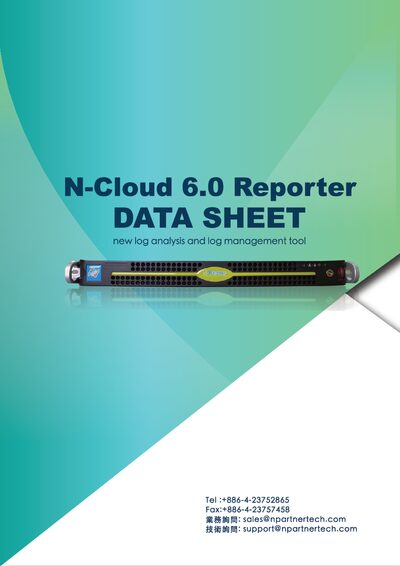
The N-Cloud 6.0 Reporter is an all‑in‑one appliance that collects Syslog and Flow data, stores it, and provides real‑time analysis, correlation, and customizable reporting. It supports a wide range of protocols, IPv4/IPv6, SNMP monitoring, and offers a web‑based Chinese interface with CLI and API access.
The manual details software functions such as multi‑condition queries, dashboard customization, alerting, and action modules for automated defense, as well as hardware specifications like Intel Xeon CPU, 32 GB RAM, dual Gigabit Ethernet, and hot‑swap SATA drives. Installation, configuration, and backup options are also covered. This manual is written in Chinese.
| CPU | Intel Xeon E3-1231 v3 3.4 GHz |
|---|---|
| Memory | 32 GB DDR3 (ECC unbuffered) |
| VGA Memory | 8 MB |
| Network Interfaces | 2 × Gigabit Ethernet ports |
| Form Factor | 1U rackmount, 19‑inch standard width |
| Power Input | 100‑240 V, 50‑60 Hz |
| Maximum Power Consumption | 350 W |
| Syslog Reception Rate | ≥10,000 EPS |
| Flow Record Reception Rate | ≥20,000 records per second |
The system can receive at least 10,000 Syslog events per second.
The Flow module can handle up to 20,000 Flow records each second.
Yes, it supports IPv6 as well as IPv4 dual‑stack environments.