
User manual for Music Tribe's XENYX series mixers with USB interface, covering setup, controls, gain settings, and effects processors.
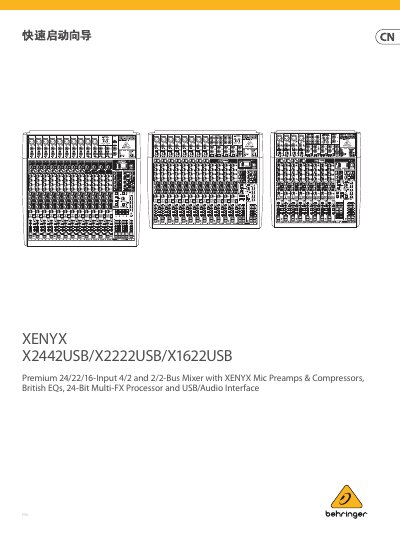
This manual provides step-by-step instructions for setting up and operating the XENYX X2442USB/X2222USB/X1622USB mixers. It covers safety warnings, connection methods for studios, bands, and churches, control functions including gain, compression, EQ, and auxiliary sends. It also explains how to configure the built-in multi-effects processor and adjust output levels.
The guide includes safety precautions, proper handling of power and cables, and instructions for connecting audio equipment. It details how to set gain levels using the VU meter, use the multi-effects processor, and manage auxiliary returns and monitoring outputs. This manual is written in Chinese.
XENYX X2442USB/X2222USB/X1622USB.
It regulates the signal compression effect for the selected channel.
It provides 48 V power to XLR inputs when used with condenser microphones.
It determines whether the channel is in SOLO mode or signal bypass mode.