
User manual for MultiView 2.0 SCADA and configuration software for 300 series controllers, covering setup, data views, logging and 21 CFR Part 11.
MultiView 2.0 is a SCADA and configuration package for 300 series controllers and profilers. Data from each controller can be viewed and changed from the Windows based MultiView software, with connection to controllers via RS232 (one to one) or RS485 (one to many). Up to 64 controls can be monitored, and control data can be viewed in digital, trend or bargraph format; setpoints, tuning parameters, alarm setpoints and units can be changed from the software.
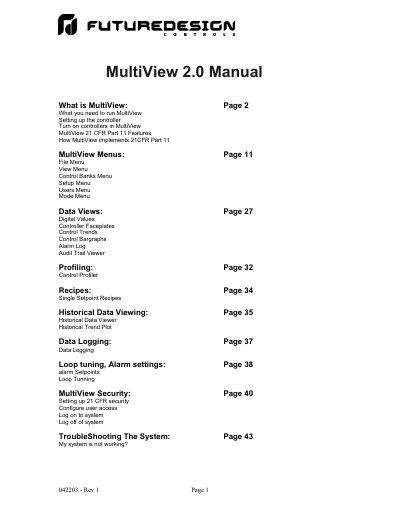
The manual explains how to set up a controller for communications, activate controllers in MultiView and configure communications-error and alarm logging. It then covers the data views, the Control Profiler, recipes, historical data viewing, data logging, loop tuning and alarm setpoints, and describes the MultiView 21 CFR Part 11 features for security, user access, audit trail, data encryption and electronic signatures, ending with troubleshooting.
| Maximum controls monitored | Up to 64 |
|---|---|
| Communication interfaces | RS232 (one to one) or RS485 (one to many) |
| PC requirement | 500 MHz Pentium with 128 MB of RAM |
| Operating systems | Win98, NT4.0 (SP6), Win2000 and WinXP Professional |
| Supported controller models | 2500, 9300, 8300 or 4300 controllers |
| Required serial port | Serial port #1 |
| RS232 cable | CA-94-1 |
| RS485 converter | SN-10A |
Up to 64 controls can be monitored by the MultiView software, and their data can be saved to the hard disk at user defined rates.
A 500 MHz Pentium with 128 MB of RAM, serial port #1, and Win98, NT4.0 (SP6), Win2000 or WinXP Professional.
Connection is via RS232 for one controller, or RS485 for many controllers using an SN-10A RS485 to RS232 converter.
Yes. MultiView 21 CFR features include security, a user database, user access control, audit trail, data encryption and electronic signatures; they can be enabled on Windows NT4.0, Win2000 and WinXP Professional.