
Installation instructions for the Multibrackets M VESA Gas Lift Arm Dual Side by Side mount, covering desk compatibility, part lists, and adjustment procedures.
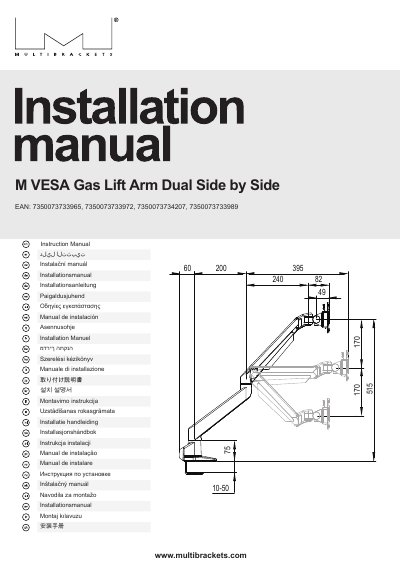
This manual provides installation instructions for the Multibrackets M VESA Gas Lift Arm Dual Side by Side mount, designed for mounting Plasma, LCD, TV, Projector, or other HiFi equipment. It includes a comprehensive parts list and diagrams for dual-side mounting configurations. Important safety warnings advise replacing provided screws if they are not suitable for the wall, ceiling, or floor material at the installation site. The document also notes that the content is subject to change and directs users to the official website for the latest version.
| Desk thickness range | ≤50mm / ≤60mm |
|---|---|
| Hole size requirement | ≥ 8.5mm |
| Limiter options | 180° Stop / 360° no-stop |
| Cable extra length | 40-50mm |
This mount is suitable for Plasma, LCD, TV, Projector, Projector Screen, or other HiFi equipment.
You should replace the screws with suitable ones if the provided ones do not fit the wall, ceiling, or floor material.
The available options are an 180° Stop or a 360° no-stop configuration.