
This user guide covers the installation, activation, usage, and safety guidelines for Multi-Tech Systems MultiModem Cell wireless modems.
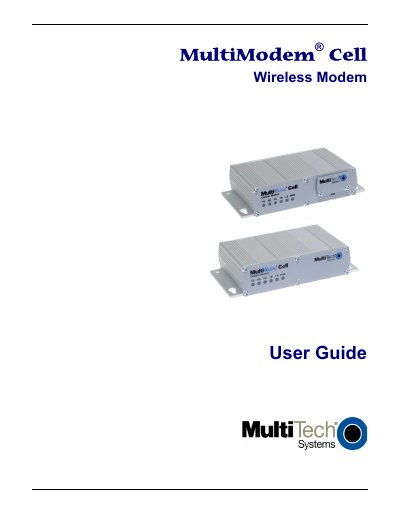
The Multi-Tech Systems MultiModem Cell is a ready-to-deploy, standalone wireless modem designed for seamless data communication. It supports various network technologies including quad-band GSM/GPRS, dual-band CDMA2000 1xRTT, and EDGE, utilizing industry-standard open interfaces such as RS232, RS422, and USB. The device is suitable for both desktop and panel mounting in fixed or mobile applications.
| Interface Options | RS232, RS422, or USB |
|---|---|
| Mounting Type | Desktop or Panel |
| Network Support (MTCBA-E1) | Quad-band E-GPRS Class 12 |
| Network Support (MTCBA-C1) | Multi-band CDMA2000 1xRTT |
| Network Support (MTCBA-G2) | Quad-band GPRS Class 10 |
No, the modem is not designed for portable applications within 20 cm (8 inches) of the user's body.
No, users should not expose the device to water, rain, or spilled beverages.
The device must be switched off when in an aircraft to avoid endangering operations or disrupting the network.