
User manual for the MP1 19 screen barcode scanning platform, covering specifications, installation, and configuration.
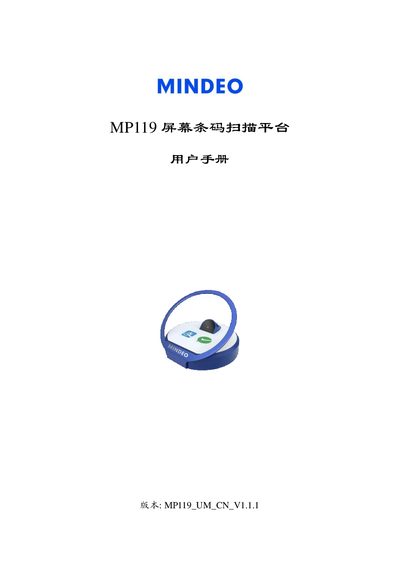
The MP1 19 screen barcode scanning platform is a handheld device that connects to a host via USB and provides barcode scanning with LED illumination. It operates on a 5 VDC supply and includes both 1D and 2D barcode support.
The manual details hardware dimensions, power requirements, interface options (USB HID and virtual COM), and extensive parameter settings such as scan mode, illumination, and data output formats. Appendices list code identifiers and keyboard mapping tables. This manual is written in Chinese.
| Dimensions | 95.0 mm × 97.0 mm × 82.0 mm |
|---|---|
| Weight | 270 g (without cable) |
| Input Voltage | 5 V ± 5 % DC |
| Operating Current | 160 mA @5 VDC |
| Scanning Resolution | 640 × 480 pixels |
| Illumination Source | White LED, 624 nm wavelength |
| Decoding Speed | 200 codes per second |
It requires a 5 V ± 5 % DC input voltage.
The platform is powered through the USB cable and does not need an external power source.
The scanner provides a resolution of 640 × 480 pixels.
It can decode up to 200 barcodes per second.