
Step‑by‑step instructions for using the Moovit public‑transport app on an iPhone.
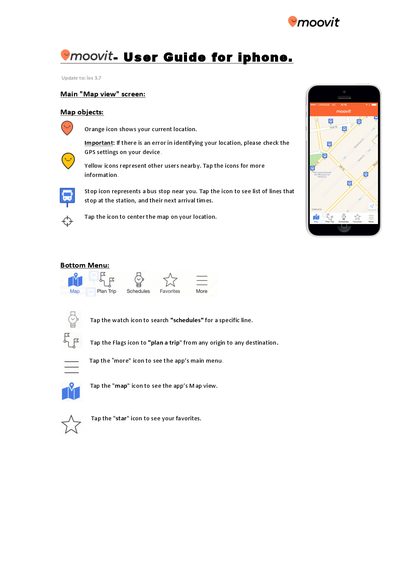
The Moovit iPhone User Guide explains how to navigate the app’s main features, including map view, station and line information, trip planning, real‑time arrivals, and navigation mode. It walks users through using the bottom menu, accessing favorites, and customizing settings.
Additional sections cover Ride Mode, saving trips for offline access, adding the Moovit widget to the iPhone Today view, managing service alerts, and contacting support. The guide provides tips for searching routes, sharing ETA, and reporting issues while on board.
| Supported iOS version | 3.7 |
|---|---|
| Maximum favorites displayed in widget | 3 |
Tap the stop button in the top menu during navigation.
Yes, after selecting a trip, tap the “save trip” icon; the saved trip appears on the Trip Planner main screen.