
The Mooncel MVB08-M user manual explains setup, operation, and maintenance of the LED video processor.
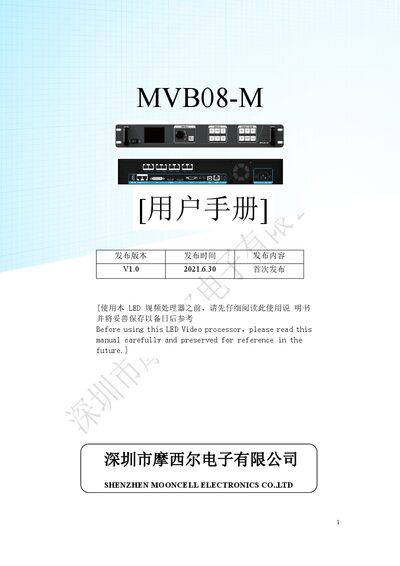
This manual provides safety instructions, hardware overview, and detailed menu navigation for the MVB08-M LED video processor. It covers front and rear panel connections, input ports, and key functions such as template saving, multi‑screen splicing, and USB upgrade.
The guide walks users through each submenu—output settings, window configuration, image capture, audio control, time tasks, and advanced options like factory reset and key lock—ensuring proper configuration and troubleshooting of the device. This manual is written in Chinese.
| Maximum pixel load | 5.2 million pixels |
|---|---|
| Maximum output width | 7680 pixels |
| Maximum output height | 3840 pixels |
| Simultaneous screens | 4 |
| Input ports | DVI*1, HDMI*1, DP*1, VGA*1, Audio*1 |
| Built‑in test pattern | Supported |
The MVB08-M provides one DVI, one HDMI, one DP, one VGA, and one audio input port.
Select Advanced Settings > Restore Factory Settings to reset the device to its original configuration.
It can output up to 7680 × 3840 pixels, with custom resolutions such as 1920 × 1080 at 60 Hz.
In Advanced Settings, turn on the Key Lock option to disable front‑panel buttons until unlocked.