
Mono FG073 Delta Depositor Controller Operation Manual: keypad use, menu screens, product programs, memory, speed setup, diagnostics, and software transfer.
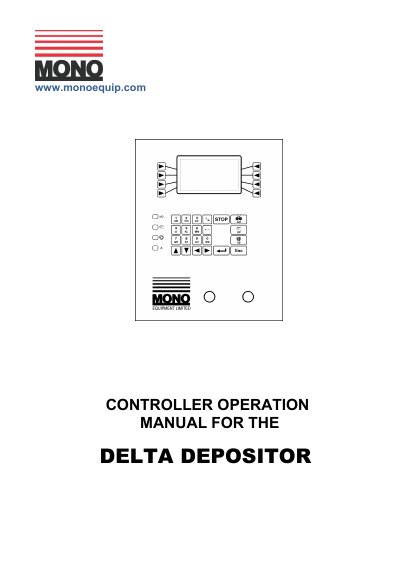
This manual covers the controller operation of the Mono FG073 Delta Depositor, including keypad functions, menu-driven LCD screens, product program creation and storage, memory facilities, speed setup, diagnostics, and system software transfer.
It accompanies the DELTA’s Operation and Maintenance Manual and is intended for users and maintenance engineers. Data entry is via the membrane keypad and LCD screen, with some setup screens password protected for Mono use only.
Press the escape (ESC) key to exit to a higher-level screen.
It activates the hopper pump for as long as it is depressed, provided edit/create or run menus are on screen and safety guards are closed.
The Save Product Menu, Delete Product Menu, Delete Directory Menu, and Password Menu can be password protected.
It accompanies the DELTA’s “Operation and Maintenance Manual” for complete and safe use of the machine.