
User manual for the MobileCinema i70 ultra-light Pico projector, covering setup, wireless and wired projection, charging, troubleshooting, and specifications.
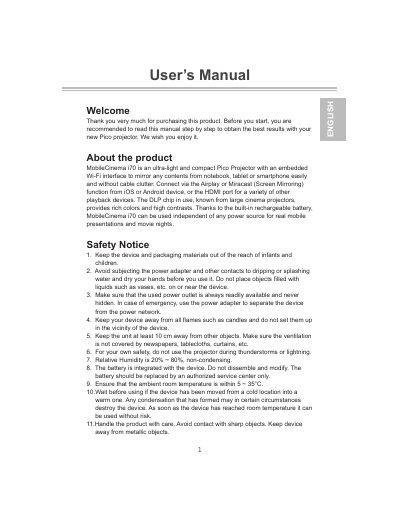
The MobileCinema i70 is an ultra-light and compact Pico projector with an embedded Wi-Fi interface. It mirrors content from notebooks, tablets, or smartphones using AirPlay or Miracast screen mirroring, and connects to other playback devices through its HDMI port. A built-in rechargeable battery lets it run independent of a power source.
This user manual describes the package contents, product controls, charging, powering the projector on and off, focus adjustment, iOS and Android connection modes, PC or Mac projection, troubleshooting, safety notices, and technical specifications.
| Optical Technology | DLP |
|---|---|
| Light Source | RGB LED |
| Resolution | 854 x 480 Pixels (WVGA) |
| Luminous Flux | Up to 70 lumens |
| Projection Image Size | 14”~80”(36~203cm) |
| Wireless Standard | 802.11b/g/n |
| Power Input | 5V / 2A |
| Battery Type | Embedded 1900 mAh, Li-polymer rechargeable battery |
| Operation Temperature | 5 °C ~ 35 °C |
| Weight | 132 g |
The built-in battery supports approximately 80 mins of projection.
The product can be fully charged around 5 hrs from empty.
Press the power key for 8 sec. to turn the projector on or off.
It supports AirPlay or Miracast screen mirroring from iOS or Android devices, and HDMI for other playback devices.