
User's Guide for the MN47 Autoranging Multimeter covering safety, operation, and measurement functions including voltage, current, resistance, and temperature.
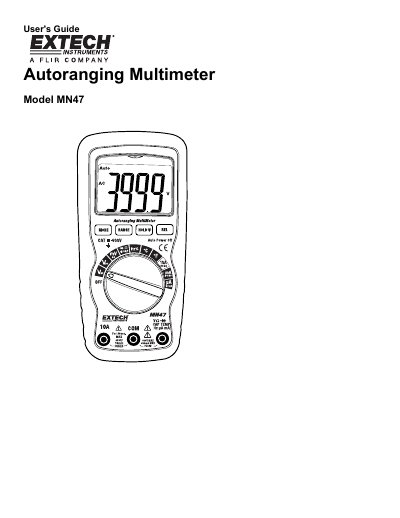
This document is the User's Guide for the MN47 Autoranging Multimeter. It provides essential safety instructions, including input protection limits and warnings regarding high voltage and current measurements. The guide details the use of the 4000 count LCD display and various buttons such as RANGE, MODE, HOLD, and RELATIVE.
| Display | 4000 count LCD |
|---|---|
| Max Input Voltage (V) | 600V AC and DC |
| Max Input Current (mA) | 400mA DC/AC |
| Max Input Current (A) | 10A DC/AC |
| Max Frequency/Resistance Input | 250V DC/AC |
| Continuity Threshold | < 30 Ω |
If OL appears in the display, the value exceeds the range you have selected.
Press and hold the RANGE button for 2 seconds to exit manual ranging mode and return to autoranging.
A good diode shows a value in one polarity and OL in the other.