
The Miniboard Mini single‑door access controller manual provides specifications, installation, wiring, programming and user management instructions.
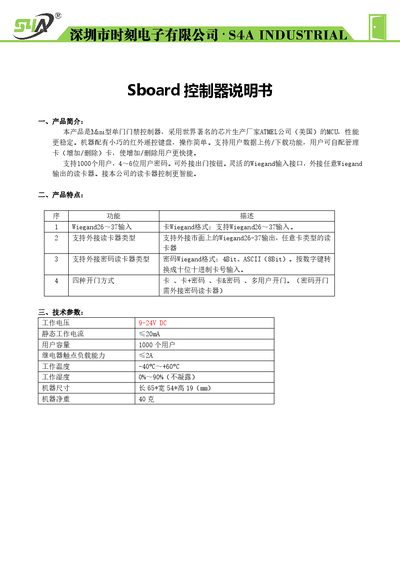
This manual introduces the Mini single‑door access controller, its features, and technical specifications. It explains the hardware layout, wiring connections, and installation diagram for quick setup.
Detailed instructions cover factory reset, administrator card usage, programming of passwords, user data backup, indicator status, and packaging contents. The guide also provides step‑by‑step procedures for adding or deleting users and configuring Wiegand interfaces. This manual is written in Chinese.
| Operating Voltage | 9-24VDC |
|---|---|
| Static Working Current | ≤20mA |
| User Capacity | 1000 users |
| Relay Contact Load Capacity | ≤2A |
| Operating Temperature | -40°C to +60°C |
| Operating Humidity | 0%–90% (non‑condensing) |
| Dimensions | 65 mm × 54 mm × 19 mm |
| Weight | 40 g |
It supports up to 1000 users.
The factory default administrator password is 123456.
Power off, hold the open‑door button, power on; the device will beep twice and reset after scanning two cards.