
The MINI Extreme Wi‑Fi Smart Switch User Manual provides product overview, installation steps, pairing instructions, device settings, and troubleshooting…
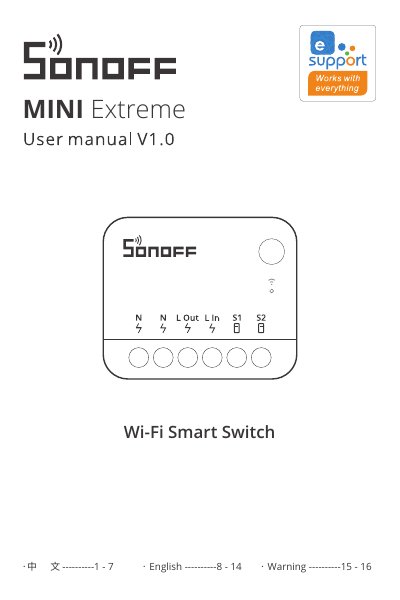
The MINI Extreme Wi‑Fi Smart Switch is a compact smart switch that can replace a standard wall switch and support up to 10 A load. The manual introduces the device, its indicators, and key features such as voice control, remote scenes, and timer scheduling.
Installation requires power‑off and professional wiring. Pairing is done via the eWeLink app using Bluetooth or Wi‑Fi, with detailed steps for network setup, LED indicator meanings, and troubleshooting common connection issues. The guide also covers device settings, adding sub‑devices, and regulatory warnings. This manual is written in Chinese.
| Maximum Load Current | 10 A |
|---|---|
| Wi‑Fi Standard | IEEE 802.11b/g/n 2.4 GHz |
| Operating Humidity | 5 %‑95 % RH (no condensation) |
| Dimensions | 39.5 × 33 × 16.8 mm |
Installation and repair must be performed by a qualified electrician; do not connect or touch terminals while the device is powered.