
This guide provides instructions for parents and guardians on how to access and use the ST Math: School Version app at home on various devices.
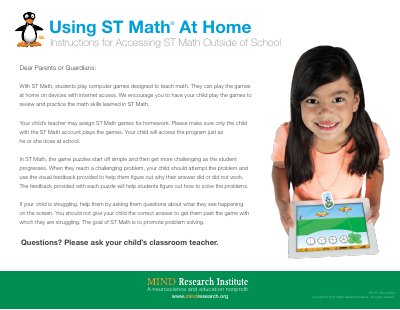
This document provides instructions for parents and guardians on how to access and use the ST Math program at home. It explains that students play computer games designed to teach math skills, which can be accessed on devices with internet access. The guide encourages parents to have their child play the games to review and practice skills learned at school, noting that teachers may assign these games as homework. Parents are advised to ensure only the child with the ST Math account plays the games and to use visual feedback to help the child solve problems rather than giving the correct answer directly.
| RAM Requirement | 1GB (2GB recommended) |
|---|---|
| Internet Requirement | High-speed Internet connection |
| Supported Operating Systems | iOS 5.0 or higher, Android 3.1 or later |
Only the child with the ST Math account should play the games.
Parents should ask questions about what the child sees on the screen and use visual feedback.
The goal is to promote problem solving.