
This manual covers the installation, operation, maintenance, troubleshooting, and warranty information for the Mijia KFR-35GW-B1ZM-M1 1.5HP internet air…
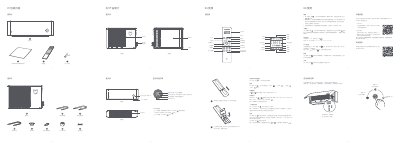
This document is the user manual for the Mijia KFR-35GW-B1ZM-M1 internet air conditioner. It provides instructions on using the remote control and the Mijia APP for operation, including setting modes, temperature, and fan speed. The guide also details how to connect the device to Wi-Fi and use the emergency operation button on the indoor unit. This manual is written in Chinese.
| Cooling Capacity | 1750W |
|---|---|
| Heating Capacity | 2250W |
| Cooling Input Power | 285W |
| Heating Input Power | 1660W |
| Indoor Unit Noise | 22-40/42dB(A) |
| Outdoor Unit Noise | 52dB(A) |
| Energy Efficiency Grade | Level 1 |
| APF | 4.75 |
| Indoor Unit Dimensions | 879 x 293 x 212mm |
| Outdoor Unit Dimensions | 860 x 549 x 331mm |
Press once for cooling mode, press twice consecutively for heating mode, and hold for 3 seconds to turn off.
Hold the 'Wi-Fi Reset' button on the remote for 3 seconds until the indoor unit's Wi-Fi indicator flashes.
Remove the filter by pulling the handle, wash it with water or neutral detergent, and let it dry in a cool place before reinstalling.