
The Mifa WildRock CHA CHB speaker quick start guide explains power on/off, Bluetooth pairing, mode switching, playback, hands‑free calls, lighting and…
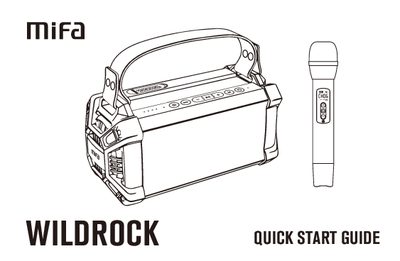
This quick start guide provides step‑by‑step instructions for using the Mifa WildRock CHA CHB Bluetooth speaker. It covers powering the device on and off, pairing via Bluetooth, switching between CHA and CHB channels, controlling playback, making hands‑free calls, adjusting lighting modes, and using the built‑in microphone.
Technical specifications are listed, including speaker size, battery capacity, charging method, supported audio formats, Bluetooth version, dimensions and weight. FCC compliance information and copyright details are also included. This manual is written in Chinese.
| Battery | Lithium 3.7 V 4500 mAh |
|---|---|
| Charging port | USB Type‑C, 5 V / 3 A |
| Weight | ≈ 1773 g |
Press the power button as shown in the POWER ON/OFF section.
Select the speaker in the Bluetooth list; the device will show as Mifa WildRock and indicate a connected status.
Press and hold the microphone to increase volume, or press and hold to decrease volume.