
Midea K42RAWFDL 2000B-WI-BOD Wi-Fi Kit Installation Manual

Installation and user guide for the Midea K42RAWFDL 2000B-WI-BOD Wi-Fi Kit, covering app setup, module installation, and remote/local control configuration.
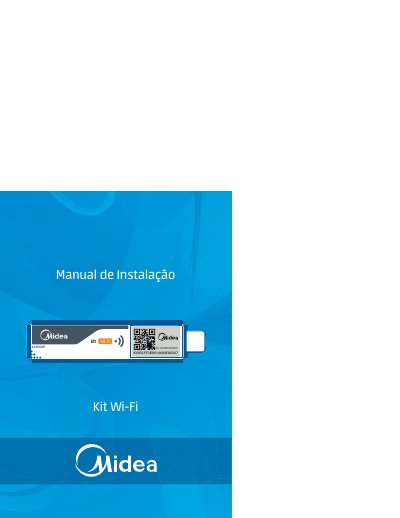

Midea K42RAWFDL 2000B-WI-BOD Wi-Fi Kit Installation Manual - cover page
Brand
Midea
Category
Air conditioner
Document type
User Manual
Language
Portuguese
Pages
16
File format
PDF
File size
4.2 MB
Published
06 November, 2026
Updated
06 November, 2026
MD5 checksum
10945480EFA95EC72A8854A06D1DCF83

About this manual

This manual provides instructions for installing the Midea Wi-Fi Kit (Model K42RAWFDL 2000B-WI-BOD) on compatible air conditioners. It details the installation of the 'MSmart' application on smartphones and tablets, as well as the physical installation of the Wi-Fi module into the indoor unit. This manual is written in Portuguese.

What's inside

  • O que é o Kit Wi-Fi
  • Instalando o aplicativo MSMart
  • Verificando o roteador wireless
  • Instalando o módulo Wi-Fi
  • Conectando o condicionador de ar
  • Operação via acesso local
  • Operação via acesso remoto
  • Desinstalando o módulo

Frequently asked questions

What is the default password for the Wi-Fi kit?

The default password is 12345678.

What is the minimum iOS version required for the app?

The minimum required version is iOS 6.0.

How many times must the 'Do Not Disturb' key be pressed to activate the setup mode?

You must press the 'Do Not Disturb' key 8 times.

Download PDF (4.2 MB)

More Midea Manuals


View all Midea manuals →