
User manual for Midea LED desk lamp model 4008899315 with charging, brightness, and color temperature controls.
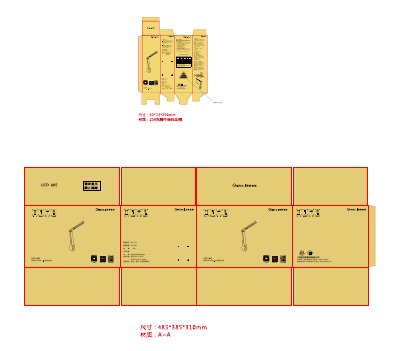
This manual provides instructions for installing, using, and maintaining the Midea LED desk lamp. It includes details on charging via USB, adjusting brightness and color temperature via touch controls, and safety precautions. The lamp is designed for use in bedrooms, offices, and study areas.
The lamp has a non-replaceable LED light source and requires full replacement if the light fails. It operates on DC 5V, 4.5W, and includes a 2-year warranty. Users must follow safety guidelines, such as not using it with dimmers or in damp areas, and must not modify the lamp or replace components. This manual is written in Chinese.
| Rated Power | 4.5 W |
|---|---|
| Rated Voltage | DC 5 V |
| Rated Current | 0.9 A |
| Dimensions | 92X72X290mm |
| Warranty | 2 years |
Charge via USB by inserting the USB cable into the lamp’s power port and connecting it to a computer USB port or a DC 5V power source.
Touch the control panel to cycle through low, medium, high brightness, and off. Hold the button for 2 seconds to cycle through warm, cool, and natural light.
Check if the USB plug is securely connected. If the battery is drained, recharge it.