
The Michi P5 stereo preamplifier owner’s manual provides safety warnings, installation steps, connection diagrams, operation instructions, menu settings…
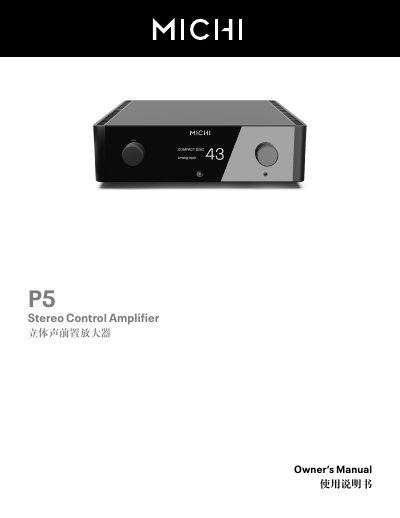
This manual explains how to safely install and operate the Michi P5 stereo preamplifier. It includes safety information, power‑connection guidelines, and detailed wiring diagrams for analog, balanced, digital and Bluetooth connections.
The guide also covers remote‑control setup, menu configuration, network settings, troubleshooting tips, and a full list of technical parameters for optimal audio performance. This manual is written in Chinese.
| Total Harmonic Distortion (20 Hz‑20 kHz) | < 0.002 % |
|---|---|
| Intermodulation Distortion (60 Hz : 7 kHz, 4:1) | < 0.002 % |
| Phono Input Sensitivity (MM) | 2.5 mV / 47 kΩ |
| Phono Input Sensitivity (MC) | 250 µV / 100 Ω |
| Linear Level Input (RCA) | 160 mV / 47 kΩ |
| Linear Level Input (XLR) | 250 mV / 100 kΩ |
| Output Level (RCA) | 1 V / 470 Ω |
| Output Level (Balanced XLR) | 2 V / 100 Ω |
| Power Consumption | 40 W |
| Dimensions (W×H×D) | 485 mm × 150 mm × 452 mm |
The remote control uses two AAA‑size batteries.
No, you must use the supplied power cable or an exact equivalent and do not use extension cords.
Search for “Michi Bluetooth” on your device, select the P5, and if prompted enter the password “0000”.