
The Micca Speck G2 User Manual provides setup, operation, specifications, and troubleshooting for the ultra‑portable 1080p digital media player.
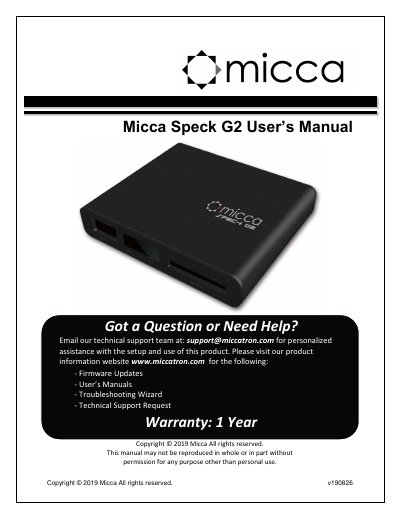
This manual introduces the Micca Speck G2, an ultra‑portable 1080p Full‑HD digital media player that plays video, music, and photos from USB drives, SD/SDHC cards, and external hard drives. It covers safety instructions, product layout, connections, and basic operation such as navigating the home menu and playing media files.
Detailed sections describe the supported video and audio formats, HDMI and analog AV output settings, power requirements, storage compatibility, and warranty information. Troubleshooting tips help resolve common issues like no video output or unsupported file formats.
| Maximum video resolution | 1920x1080 |
|---|---|
| Supported video codecs | MPEG1, MPEG2, MPEG4‑XVID, DIVX, H.264, H.263, WMV9/VC1, RMVB |
| Audio bit rate range | 32 kbps – 320 kbps |
| HDMI video output modes | 720p (50/60 Hz), 1080i/p (50/60 Hz) |
| Power input | AC 90‑230 V, 5.0‑5.2 V DC, 2 A |
| Product dimensions | 2.5" W × 3" L × 0.6" H |
| Weight | 3 ounce |
| External storage support | USB 2.0 drives up to 2 TB (MBR, NTFS or FAT32), SD/SDHC cards |
Supported video formats include MKV, AVI, TS/TP, MP4/M4V, MOV, VOB, PMP, RM/RMVB, MPG, M2TS, and WMV.