
Quick guide for read-only users on basic setup and use of Metron Harmony v7.0.3 for ground delay program management at Australian airports.
This guide helps read-only users access and use Metron Harmony v7.0.3 for managing ground delay programs at Melbourne, Sydney, Brisbane, and Perth airports. It covers logging in, navigating the home page, setting up work views, applying filters, and saving configurations. Advanced features are detailed in the full Web User Guide.
Users must log in via https://atfm.airservicesaustralia.com and use compatible browsers. The new interface includes a home page with work view previews, main toolbar, and module/element selection. Flight lists and demand graphs can be configured and saved for repeated use. This manual is written in Chinese.
Internet Explorer (10 & 11) and Firefox (45 ESR & 52 ESR) (Windows & Linux).
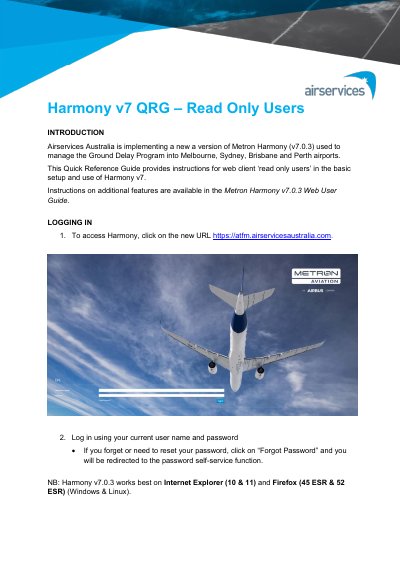
Click on the URL https://atfm.airservicesaustralia.com and log in with your current user name and password.
It functions as a ‘landing page’ where you can see and access all your work views from one point.