
This guide covers the installation, system requirements, emulator setup, driver installation, and development interfaces for the Meizu M9 SDK.
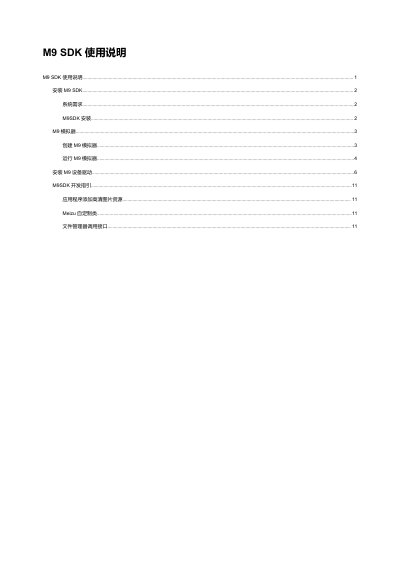
The document provides instructions for installing the Meizu M9 SDK on Windows or Linux systems. It details the necessary software environment, including JDK and Eclipse IDE plugins, and explains how to configure the Android Virtual Device (AVD) to match the device's high-resolution screen specifications.
Additionally, it covers the installation of USB drivers for debugging on Windows and outlines specific development guidelines. These include adding high-definition image resources for the 960x640 resolution display and utilizing custom Meizu classes and file manager interfaces for saving files or selecting multiple items. This manual is written in Chinese.
The supported operating systems include Windows XP (32-bit), Vista, Windows 7, and Linux (tested on Ubuntu Lucid Lynx).
You must add hw.ramSize=512 to the config.ini file and set the Screen Size in the AVD Manager to 3.5 inches or larger.
No, the document states that Linux does not require installing drivers to connect via USB.