
This guide explains how to connect an iPhone to Mazda Connect, access apps, use voice commands with Siri, and navigate using the Commander control.
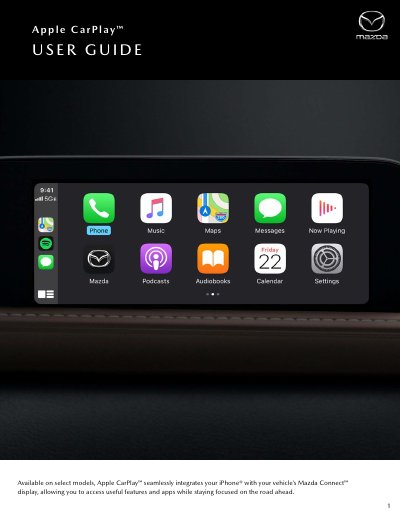
This user guide details the integration of Apple CarPlay with Mazda Connect systems. It covers basic requirements, connecting an iPhone via USB or wireless, and navigating the interface using the Commander control and Home button.
The document provides instructions on customizing the home screen, using the Phone app for calls and contacts, and utilizing Siri for voice commands. It also explains how to use the Map and Navigation features, including sharing ETA and searching for Points of Interest.
You need an iPhone 5 or above to use Apple CarPlay.
After connecting via USB, press the Home button, tilt the Commander Knob right, select the device, and enable the wireless connection.
On Dashboard View, rotate the Commander control to highlight the App View/Dashboard View icon and press and hold it.
The Communication screen is disabled, and all actions like making calls are completed via Apple CarPlay's Phone app.