
The Mattel AAx3 Journal User Manual provides setup, button functions, battery safety, recording instructions, and troubleshooting for the My Password™ Journal.
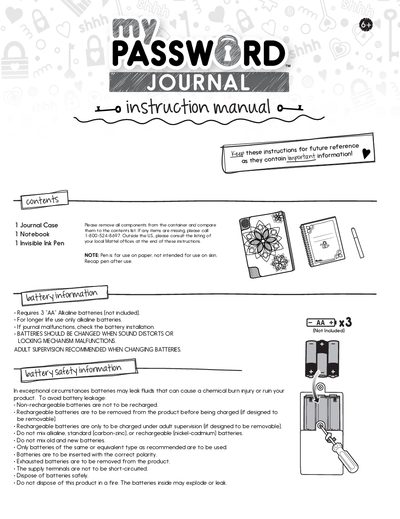
This manual explains how to operate the My Password™ Journal AAx3, covering battery installation, safety guidelines, and the functions of the access buttons, selector switch, and glow light. Detailed steps are provided for recording passwords, intruder alerts, and journaling ideas, as well as using the invisible ink pen.
Additional sections describe the secret storage compartment, troubleshooting tips, and contact information for customer support. The document also includes safety warnings for battery handling and instructions for resetting the journal.
| Battery type | AA Alkaline |
|---|---|
| Battery count | 3 |
| Battery safety | Do not mix alkaline, standard (carbon‑zinc), or rechargeable (nickel‑cadmium) batteries |
It requires three AA alkaline batteries (not included).
Press the Reset Button with the tip of a pen; if the journal is closed it erases only the password, if open it erases all recordings.
The Glow Light lets you see the invisible ink written with the special pen.
It is located under the notebook inside the journal.