
Marantz PM6007 Integrated Amplifier User Guide

Step-by-step setup guide for the Marantz PM6007 integrated amplifier, covering remote batteries, speakers, CD player, power, and playback.
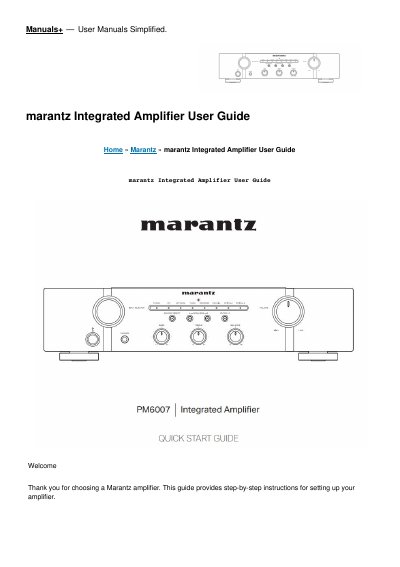

Marantz PM6007 Integrated Amplifier User Guide - cover page
Brand
Marantz
Category
audio amplifier
Document type
Quick Start Guide
Language
English
Pages
7
File format
PDF
File size
480 KB
Published
16 November, 2026
Updated
16 November, 2026
Model
PM6007
MD5 checksum
9DF92426BDF6B321C53EC86C4B1897D1

About this manual

This guide provides step-by-step instructions for setting up the Marantz PM6007 integrated amplifier. It covers installing batteries in the remote control, connecting speakers and a CD player, plugging in power, turning on the amplifier, and beginning CD playback.

What's inside

  • Before You Begin
  • Setup
  • Install batteries in the remote control unit
  • Connect the speakers to PM6007
  • Connect the CD player to PM6007
  • Plug the power cord into a power outlet
  • Turn on the power of PM6007 and then set the speakers for audio output to SPEAKERS A
  • Begin CD playback
  • Documents / Resources

Frequently asked questions

How many steps are in the setup process?

There are six steps to the setup process.

Where can I find details on other functions and operation procedures?

Refer to the Online Manual for other functions information and operation procedure details.

Where can I find more information about the amplifier?

Visit www.marantz.com for more information.

Download PDF (480 KB)

More Marantz Manuals


View all Marantz manuals →