
This manual guides users on the installation, operation, maintenance, and troubleshooting of the MakerBot Replicator 2 desktop 3D printer.
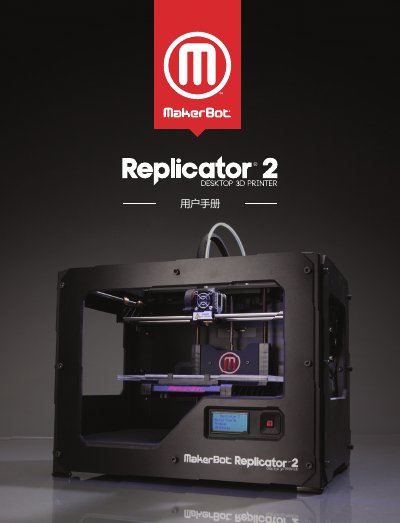
The MakerBot Replicator 2 is a desktop 3D printer that uses Fused Deposition Modeling (FDM) technology to create solid objects from melted PLA or flexible filaments. The device operates by heating filament and extruding it layer by layer based on instructions sent via an SD card. This manual is written in Chinese.
| Filament Diameter | 1.75 mm |
|---|---|
| Build Volume | 28.5 x 15.3 x 15.5 cm |
| Layer Resolution (High) | 100 microns |
| Nozzle Diameter | 0.4 mm |
| Power Input | 100 – 240 V, ~2 A, 50 – 60 Hz |
It uses 1.75 mm MakerBot PLA filament or 1.75 mm MakerBot flexible filament.
Files are converted into instructions and sent to the printer via an SD card.
The working environment temperature must be between 15° and 32° C.