
Chinese user manual for the ATLAS-500 series battery charger with safety, operation, and technical specifications.
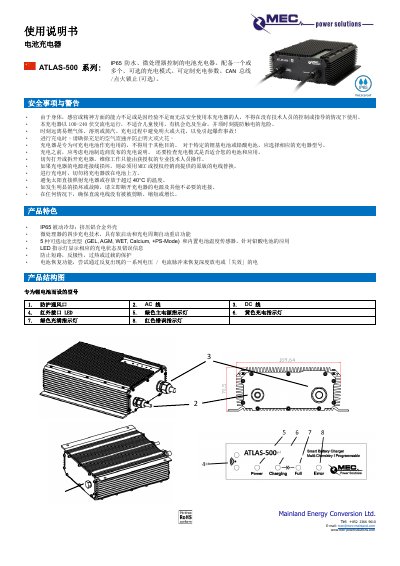
The ATLAS-500 series battery charger is a passive‑cooled, IP65‑rated device with a micro‑processor that provides four‑step charging, temperature sensing, and protection against short‑circuit, reverse polarity, over‑temperature and overload. It supports up to five battery types (GEL, AGM, WET, Calcium, and a PS‑Mode) and offers optional CAN bus or ignition‑lock functions.
The manual covers safety warnings, pre‑charging checks, step‑by‑step charging procedures, maintenance advice, error troubleshooting, and detailed technical parameters such as input voltage, output power, efficiency, and protection class. This manual is written in Chinese.
| Input Voltage | 100‑240 VAC / 50‑60 Hz |
|---|---|
| Output Power (nominal) | 500 W |
| Maximum Efficiency | >92 % @ 230 V |
| Ripple | <1 % |
| Back Current | <1 mA |
| Protection Class | 1 |
| IP Rating | IP65 |
| Operating Temperature Range | -30 °C to +40 °C |
Check that the charger is correctly connected to the power source and that the power source itself is functioning.
Press and hold the button for 5 seconds; the current mode LED will flash slowly, then press the button again to select a different mode and hold 5 seconds to confirm.
Keep the charger away from flammable gases, solvents, vapors, open flames, and sparks; ensure adequate ventilation during charging.
A flashing red LED signals an error such as a damaged battery, over‑voltage, high temperature, or short‑circuit; refer to the error‑LED table for the specific code.