
This manual covers the installation, operation, and technical specifications for the Luminex LumiSplit 2.10 DMX/RDM signal splitter.
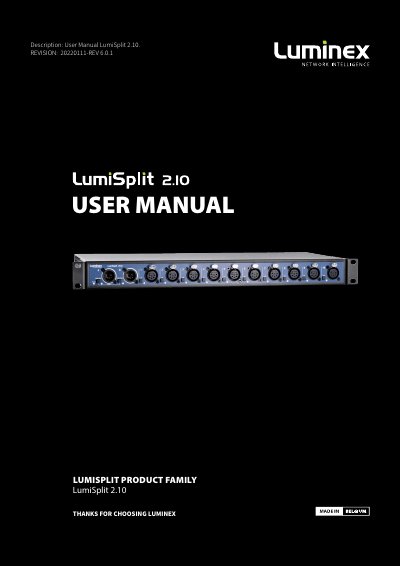
The Luminex LumiSplit 2.10 is a device designed to split and boost DMX and RDM signals for lighting systems. It features two inputs (A and B) and ten outputs, allowing for flexible configuration in live events, theatre, and architectural lighting applications.
Installation involves rack mounting the unit using standard screws and connecting it via a Neutrik powerCON TRUE1 power cable. Users can configure operating modes, such as Splitter or Dark Mode, and manage RDM filtering directly through the front panel buttons and LEDs.
| Input/Output Configuration | 2 inputs (A and B) and 10 outputs |
|---|---|
| Power Supply | 100-240VAC, 50/60Hz |
| Power Connector Type | Neutrik powerCON TRUE1 |
It can be used in live events, concert lighting, theatre, TV, installations, architectural lighting, and multimedia shows.
To shut it down after use, simply unplug the power cable again.